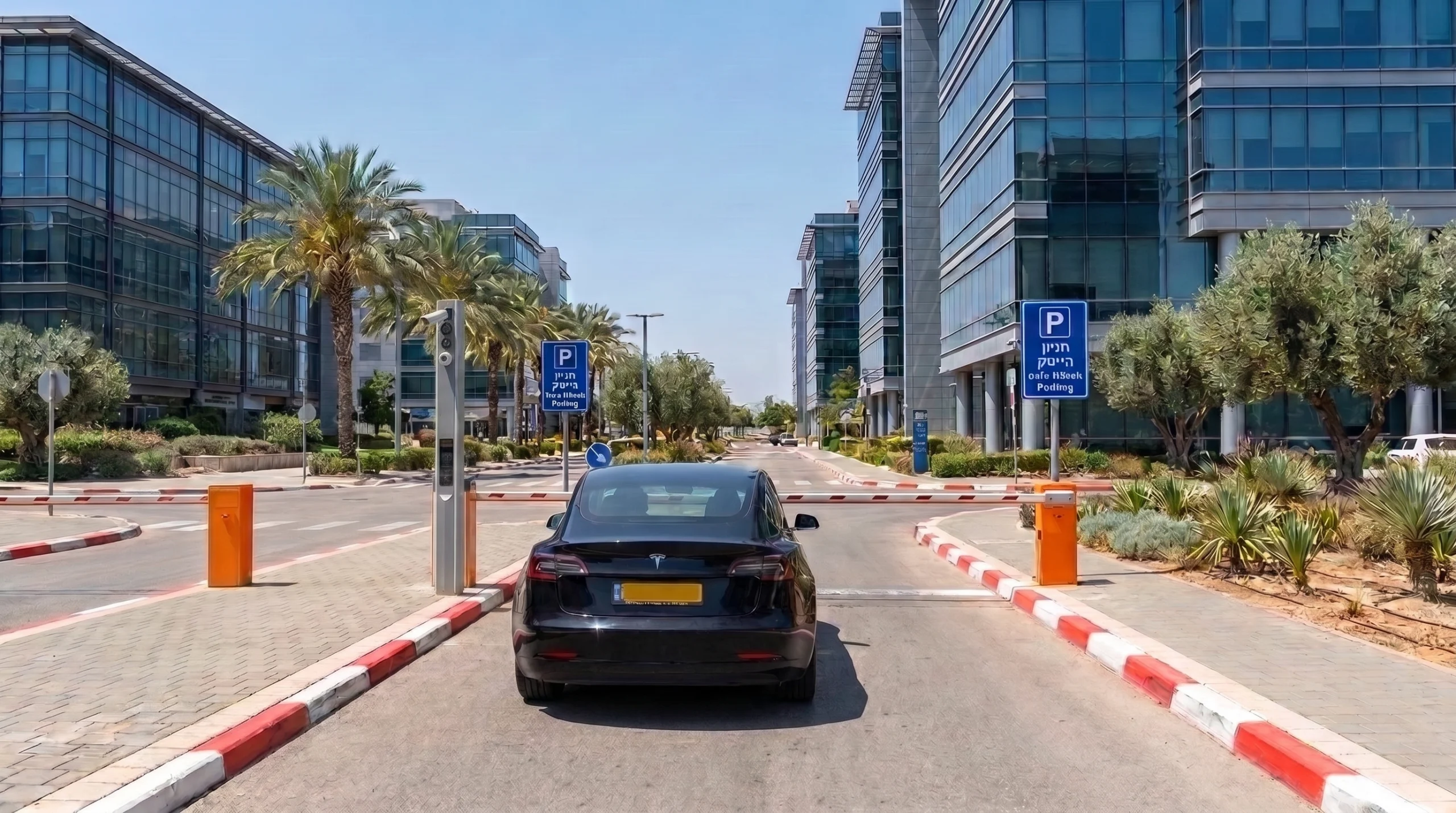
Find the car in the "Vehicles inside now" list or in the "Search sessions" tab, click "Fix" and type the correct number. The session is saved with the corrected plate. Search also works on part of the number, so you can find the car even when the camera read only part of the plate.
Updated
Search and filter
In the "Search sessions" tab, type part of the plate and filter by status. The statuses are In parking, Completed, Awaiting payment, Cancelled, Free exit and Subscriber.
Closing a session manually
If a car has left and its session is still open, close it with the "Close session" button.
We use essential cookies to run the site. With your permission we also use analytics cookies to understand how the site is used, and Meta marketing cookies to show our ads to people who have visited and to measure them. Privacy policy