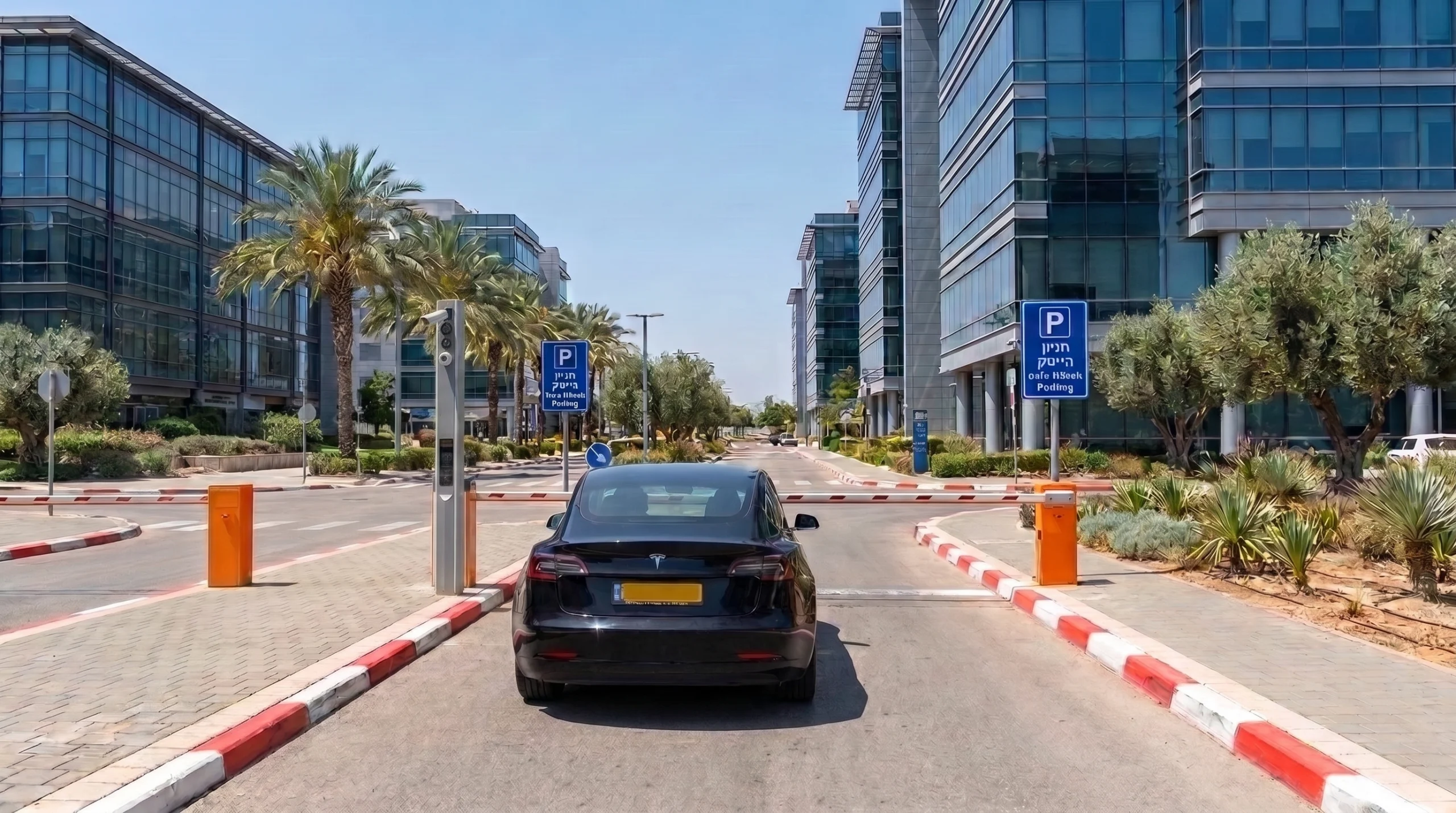


Where to pay before leaving
A driver without a subscription pays through PayPlus before leaving. Payment is made by the gate or inside the business, wherever the car park owner sets it.
A subscriber does not need to stop at the exit. The barrier opens automatically for their licence plate.
Ways to pay
- Credit card
- Bit, Apple Pay and Google Pay
- QR code scan
- Cash at the till inside the business
A barcode sticker for a discount or free parking can also be used.
How staff handle payment in the dashboard
The dashboard lists the cars awaiting payment. Staff can send the amount to the PayPlus terminal, change it or waive the payment.
A car can also be charged manually by its plate number and length of stay. Once it is paid, the gate opens.
Getting a receipt
After payment you get a digital receipt, which can also be downloaded through a QR code.
The receipt shows the entry time, the exit time, the parking duration and the amount.